Tech · By NoorNews Editorial ·
Gemini overlay gets bubble minimization and multitasking on Android
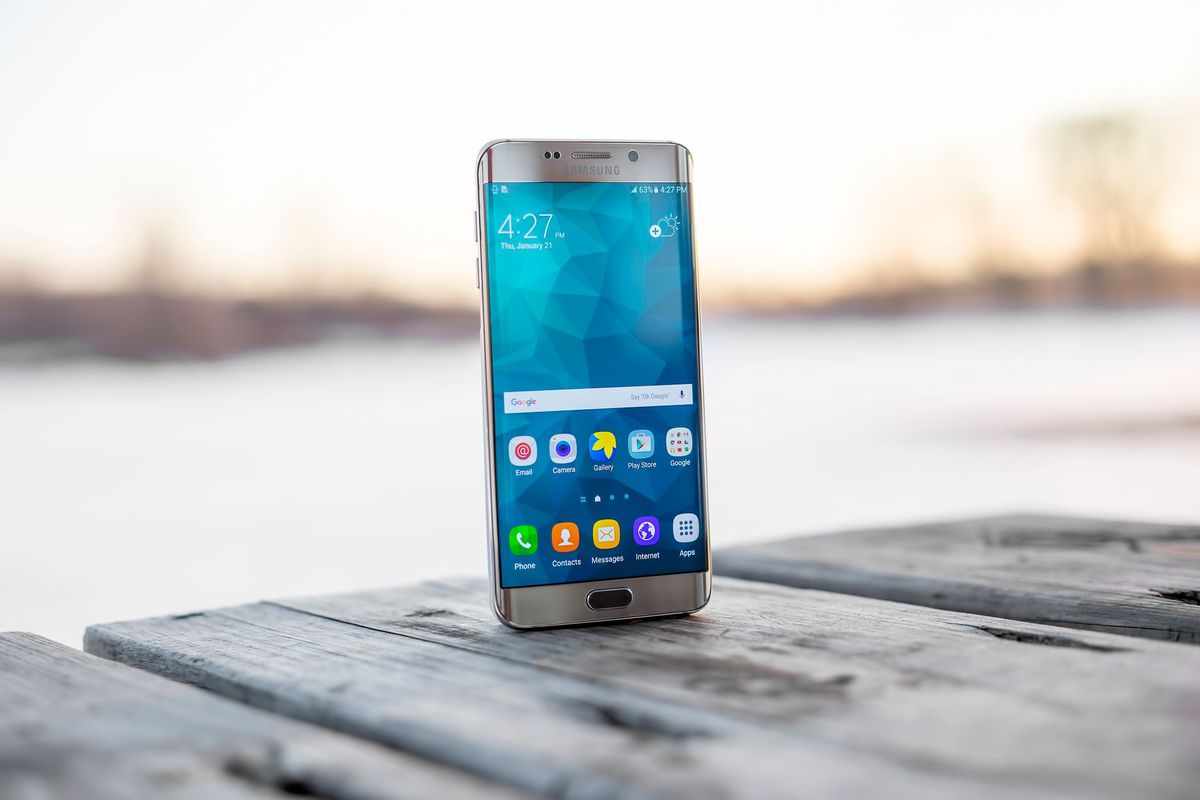
According to a report from 9to5Google, the Gemini overlay on Android devices has received a new multitasking feature designed to improve user workflow. Users can now utilize a floating bubble shortcut when minimizing the Gemini interface, allowing for easier navigation between the AI assistant and other active applications.
This update marks a shift in how the Gemini overlay behaves during multitasking sessions. By providing a persistent bubble, Google aims to reduce the friction typically associated with switching back and forth between the assistant and other apps, effectively allowing the AI to remain accessible without occupying the full screen.
While Google has been aggressively integrating Gemini into the Android ecosystem, this specific UI adjustment focuses on the usability of the overlay during active use. The change is part of a broader effort by the company to make its AI tools feel more native to the mobile multitasking experience. Users can expect the feature to roll out via standard app updates, though availability may vary depending on the specific Android version and device model.
Truth Score
85/100
Likely True
Why this score
The report from 9to5Google is consistent with standard software update cycles for the Android Gemini integration. As a specialized tech publication, their reporting on UI changes for Google products is considered credible, though it has not yet been independently verified by a second major wire service.
Cross-checked against
No corroborating trusted sources found.
Original report: 9to5Google